
Product strategy
Framing the journey from first enquiry to the day the keys change hands.

Sample concept · Real Estate & Construction
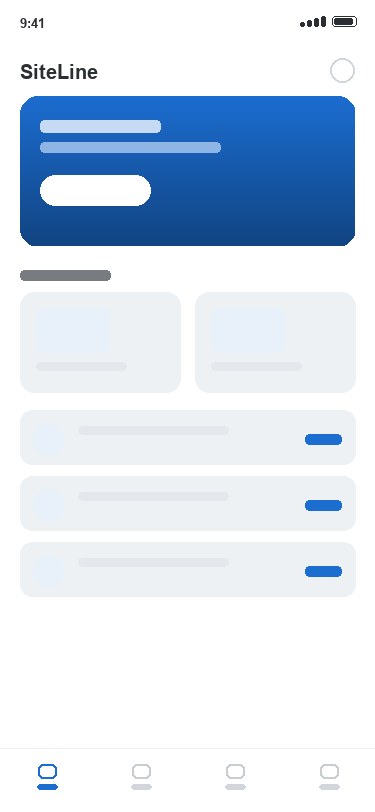
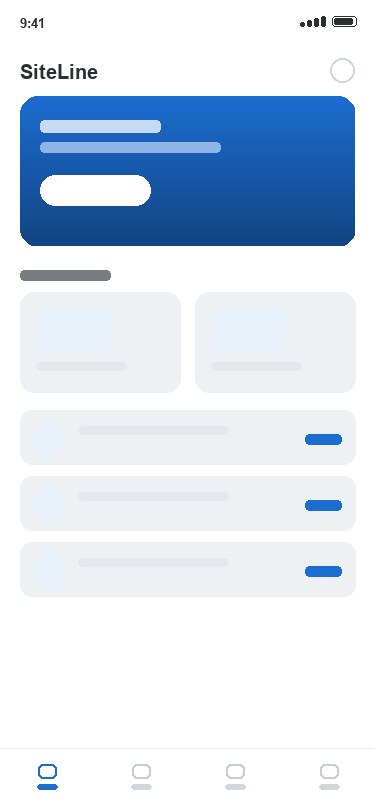
A real-estate and construction app that carries a home from listing to handover. Buyers browse units and enquire, then follow live site progress from a buyer portal, while a document vault and handover checklist keep the paperwork straight. A sample concept — designed for iOS and Android.
An illustrative concept — a sample case study showing how we'd approach Real Estate & Construction, not a delivered client project.
The context
Buyers commit to a property months — sometimes years — before they get the keys. In that gap they are largely in the dark: a deposit paid, a build they can’t see, and updates that arrive only when they chase an agent for them.
SiteLine imagines that whole stretch inside one app. Browse and enquire, then sign in to a buyer portal where progress photos, milestones, documents and messages all live in one place — for the buyer and the developer both.
The challenge
Property is a high-value decision on a long timeline, touched by people on very different clocks — a buyer checking in from the sofa, a site team logging photos in a half-built stairwell, a sales team fielding the same question a hundred times.
So the concept had to hold a lot of context — listings, milestones, documents and photo proof — without ever feeling heavy. The aim: an app that reads as one clear next step at a time, and is still right on handover day.
Skills
Framing the journey from first enquiry to the day the keys change hands.
Flows, wireframes and a calm interface for a decision people make once in years.
Interactive prototypes to pressure-test enquiry, portal and progress flows.
One native-quality product concept designed for both platforms.
Listings, milestones and site photos shaped for buyers and developers alike.
A shared blue colour, type and component system across every screen.
In the concept
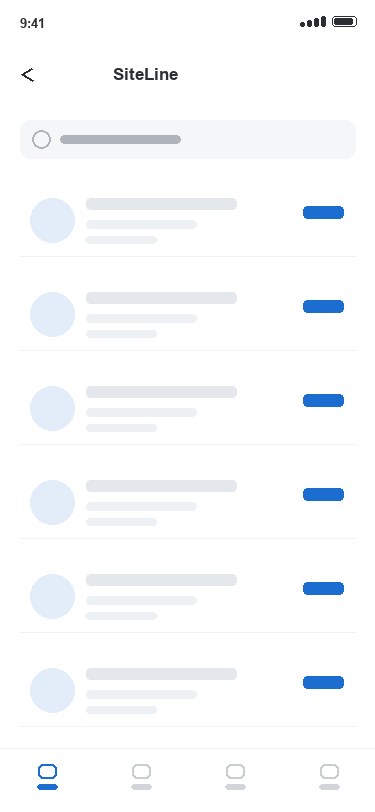
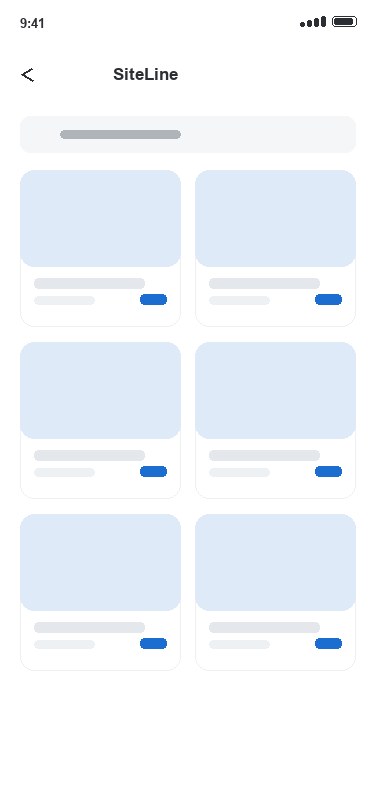
Browse available units with plans, galleries and pricing, so a buyer can shortlist a home before they ever pick up the phone.
Send an enquiry or book a show-unit viewing in a tap, with the request landing straight in the developer’s pipeline.
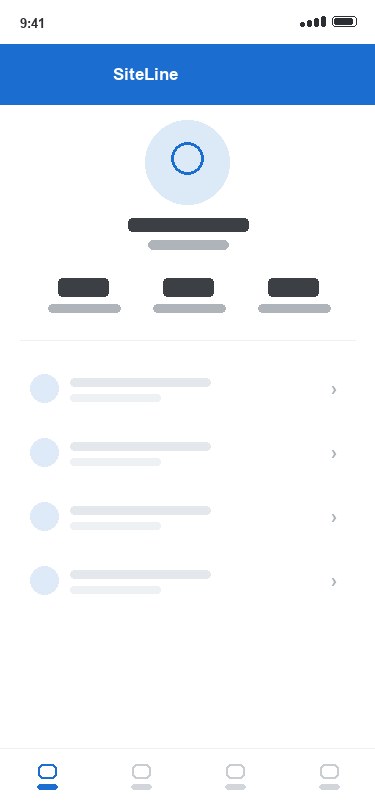
A logged-in home for each purchase — status, payments and messages in one place, so every party sees the same live picture.
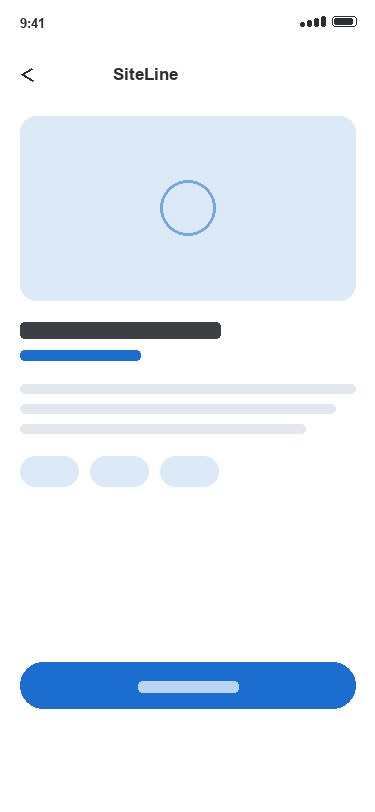
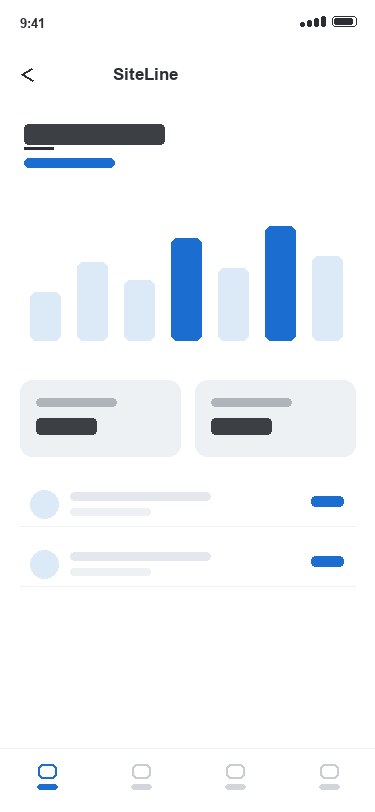
Date-stamped construction photos and milestones from the ground, so buyers watch their home take shape instead of chasing updates.
Contracts, floor plans and approvals stored, versioned and searchable — still findable months after handover.
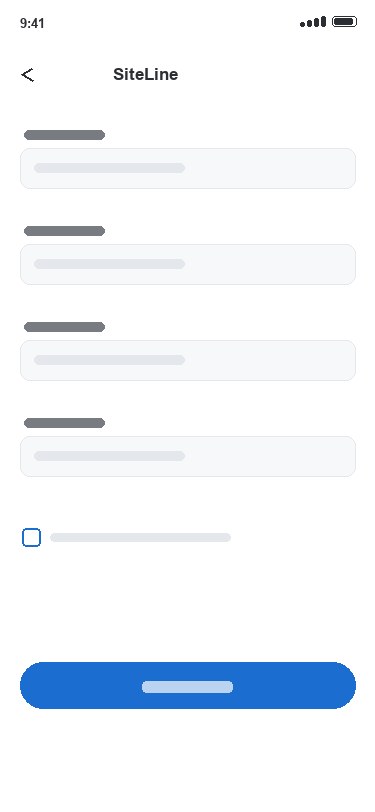
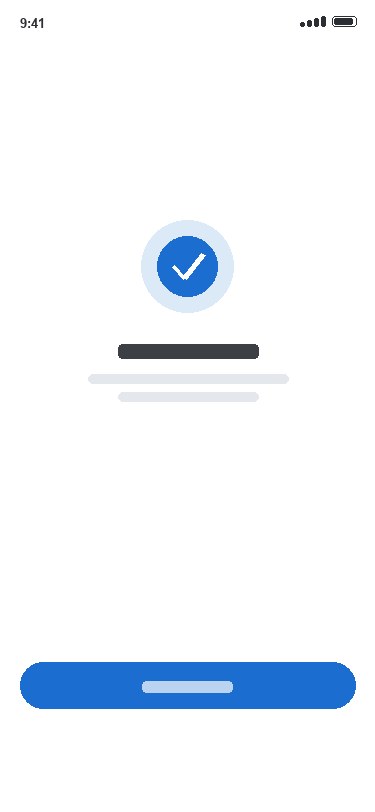
A guided snag-and-sign-off flow for the final walkthrough, so nothing is missed on the day the keys change hands.
Under the hood
The screens are simple; the timeline behind them is not. The concept assumes a purchase that lives for months — accruing photos, milestones and documents — captured out on real sites where the signal is patchy and the light is bad.
Every buyer’s status, payments, documents and messages tied to their unit in one place.
Progress captured on the ground and pinned to milestones, not lost in a chat thread.
Site and inspection screens designed to queue uploads through the dead spots of a build.
Contracts, plans and approvals stored and versioned so the right file is findable later.
A snag-and-sign-off checklist that walks the final inspection step by step.
One product concept, both platforms, one design system.
“From the first viewing to the day the keys change hands — one app that holds the whole build.”
Design system
A single confident blue marks every step — enquire, follow, approve, hand over — against clean white lists, so months of a project read as one clear next thing to do.
#1C6DD0#0D315E#FFFFFFThe idea
Buyers watch their home take shape from their phone, and the developer answers “where’s my unit at?” once, in the app, instead of a hundred times by email.
FAQ
SiteLine is an illustrative concept for a real-estate and construction app — a sample case study, not a delivered client project. It shows how Namtech would approach property listings and enquiries, a buyer portal, live construction-progress photos and milestones, a document vault and a handover checklist, designed for iOS and Android.
SiteLine is a design concept produced to demonstrate our approach. It sets out the whole product: property listings, enquiries and show-unit bookings, a logged-in buyer portal, date-stamped site-progress photos and milestones, a versioned document vault, and a guided handover checklist — unified by a single design system across both platforms.
Yes — that is the heart of the concept. The buyer portal pairs each purchase with date-stamped construction photos and milestones, so buyers can watch their home take shape from their phone, and the developer answers “where’s my unit at?” once in the app instead of a hundred times by email.