
Product strategy
Scoping the enrolment, daily-update and fee journey around parents and front-desk staff.

Concept · Education & Childcare
A concept for an education & childcare app — enrolment, daily parent updates with photos, attendance check-in, learning-progress reports and fee payment, all from a phone. It shows how we’d shape and build a product like this for iOS and Android.
An illustrative concept — a sample case study showing how we'd approach Education & Childcare, not a delivered client project.
The context
A childcare centre lives on trust. Parents want to know their child arrived safely, ate, napped and learned something — but that reassurance was scattered across paper forms, group chats and a whiteboard at pickup.
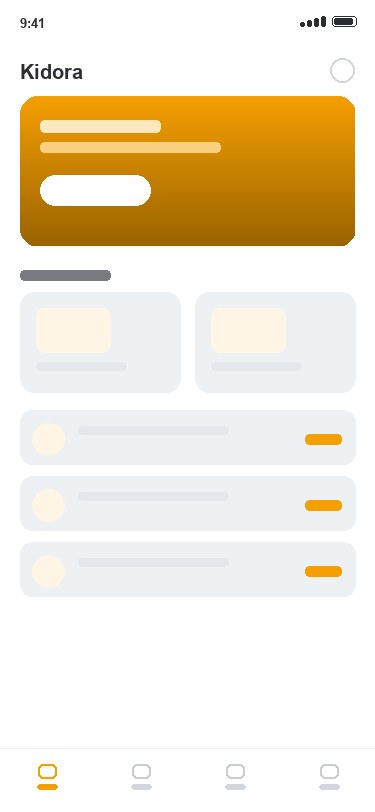
Kidora is a concept that gathers the whole day into one place: enrol and pay in the app, staff check children in, and each family sees photos and notes from the day — the reassurance and the admin, in a single product.
The challenge
In childcare the parents are the users as much as the children. If the daily update is a chore to open, or paying fees means a trip to the front desk, goodwill drains fast — and the staff drown in follow-ups.
So the concept designs for a calm, warm, one-handed experience: a glanceable home for parents, big tap targets for check-in, clear progress reports, and payment that just works — the depth a centre needs with the feel of an app people are glad to open.
Skills
Scoping the enrolment, daily-update and fee journey around parents and front-desk staff.
Flows, wireframes and a warm, reassuring interface parents open every day.
Interactive prototypes to pressure-test the check-in, photo-update and payment flows.
One native-quality product delivered on both platforms.
Role-based access and consent controls over who can see a child’s photos and records.
A shared amber colour, type and component system across every screen.
What we’d build
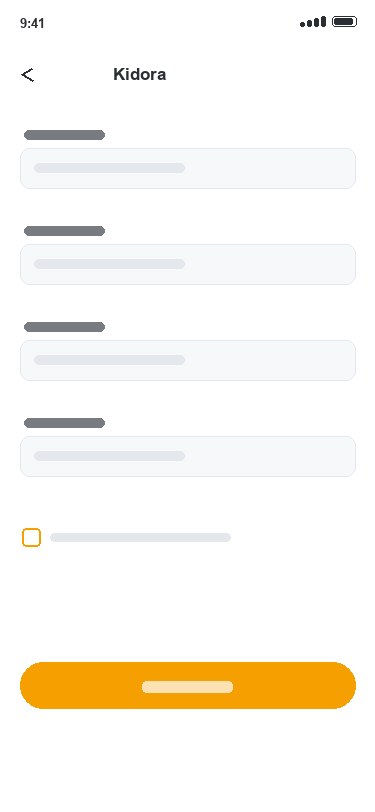
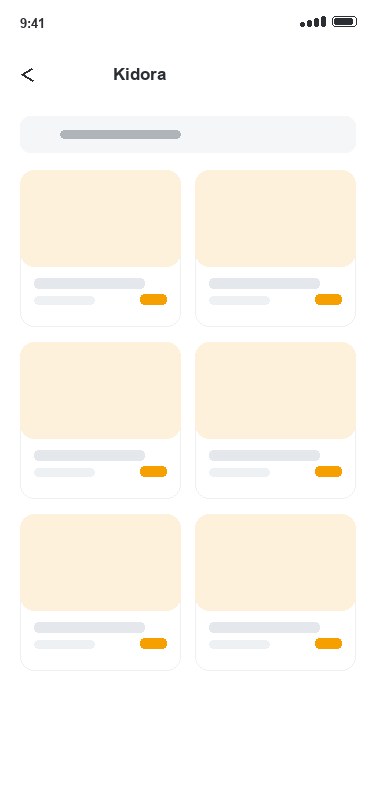
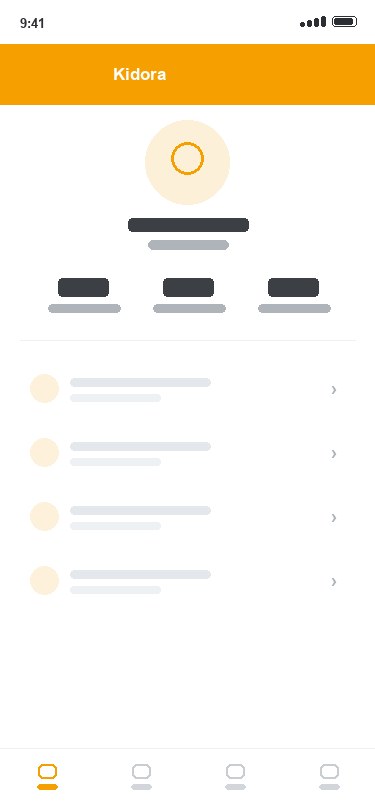
Parents sign up, upload documents and complete consent forms in the app — no paper packs, no front-desk queue.
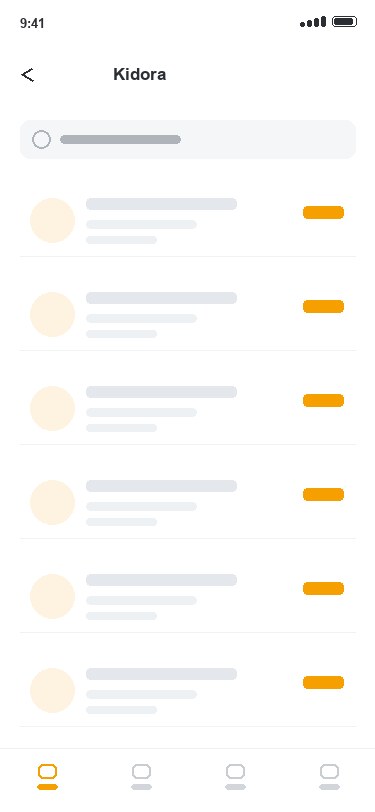
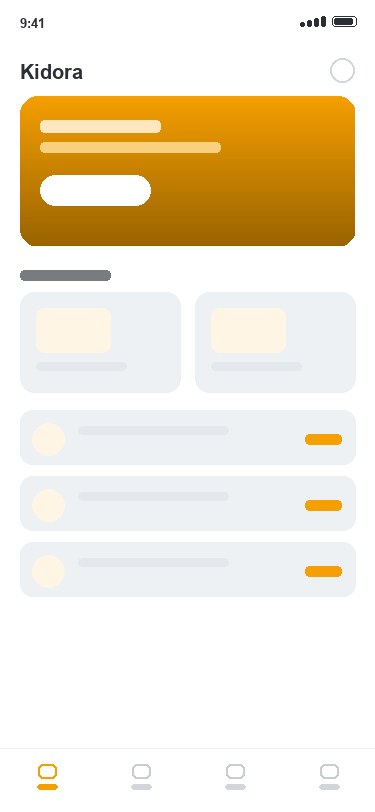
Photos, notes and moments from the day, sent to each family so parents see how their child actually spent it.
QR or tap check-in and check-out with real-time alerts, so staff always know exactly who is on-site.
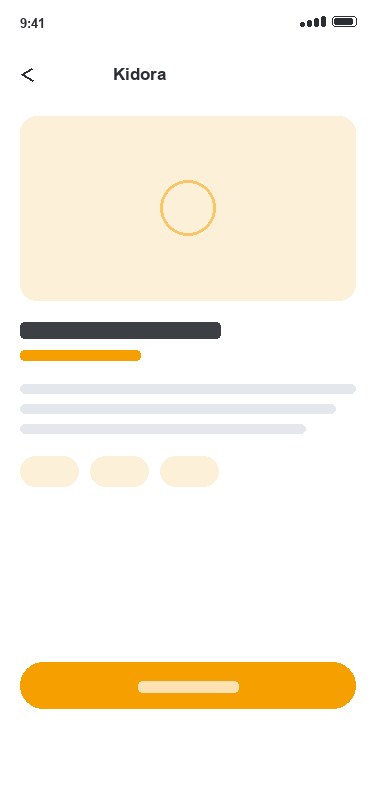
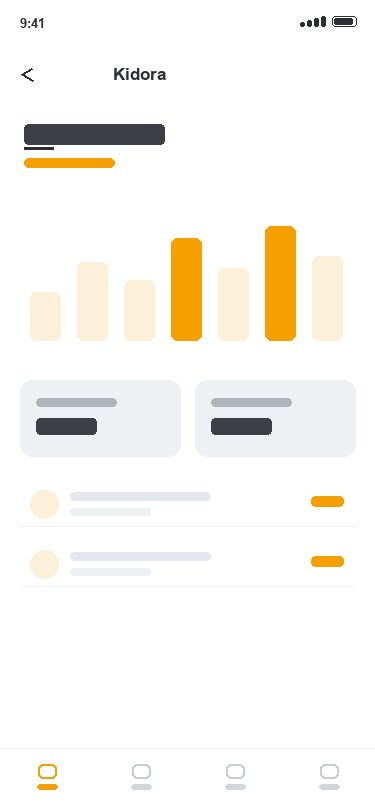
Milestones, portfolios and term reports that show parents what their child is genuinely learning.
Recurring billing, invoices and reminders with in-app payment, so fees are settled without chasing receipts.
Centre-wide notices and one-tap consent forms in a single channel, instead of three different apps.

Under the hood
The screens are gentle; the model behind them is not. A childcare app has to keep parents, staff and admins in sync around one child — role-based access, consent capture, photo handling, an attendance state-machine, recurring billing and push notifications — each delivered natively on both platforms.
Parents, staff and admins each see only what belongs to them, around one child’s record.
Consent captured in-app, with controls over who can see a child’s photos and records.
Checked in → present → checked out, with real-time alerts to the right people.
Daily photos and notes delivered privately to each family, not a public feed.
Invoices, reminders and in-app fee payment wired into the enrolment flow.
One product, both platforms, one design system.
“The whole day in a parent’s pocket — enrolment, the moments that matter, and fees, in one warm app.”
Design system
A single warm amber carries every key action — check in, share a moment, pay a fee — against clean white space, so a day full of detail reads as one reassuring glance for a busy parent.
#F59F00#6B4700#FFFFFFThe outcome
A concept where the whole centre runs in one app — parents see the day, staff run the check-in, and fees look after themselves — instead of paper, group chats and a whiteboard.
FAQ
Kidora is an illustrative concept for an education and childcare app — enrolment, daily parent updates with photos, attendance check-in, learning-progress reports and fee payment, from a phone. It is a sample case study showing how Namtech would approach Education & Childcare, not a delivered client project.
Kidora is a concept, so nothing was shipped for a client. It shows how Namtech would shape and deliver a native iOS and Android app end to end: enrolment and consent, daily photo updates, QR attendance check-in, learning-progress reports, in-app fee payment and centre announcements — unified by a single design system.
It is designed for it from day one — role-based access, consent capture, and controls over who can see a child’s photos and records. Data handling would be scoped to the relevant jurisdiction (PDPA in Singapore and equivalents elsewhere) so parent data and children’s records stay protected.